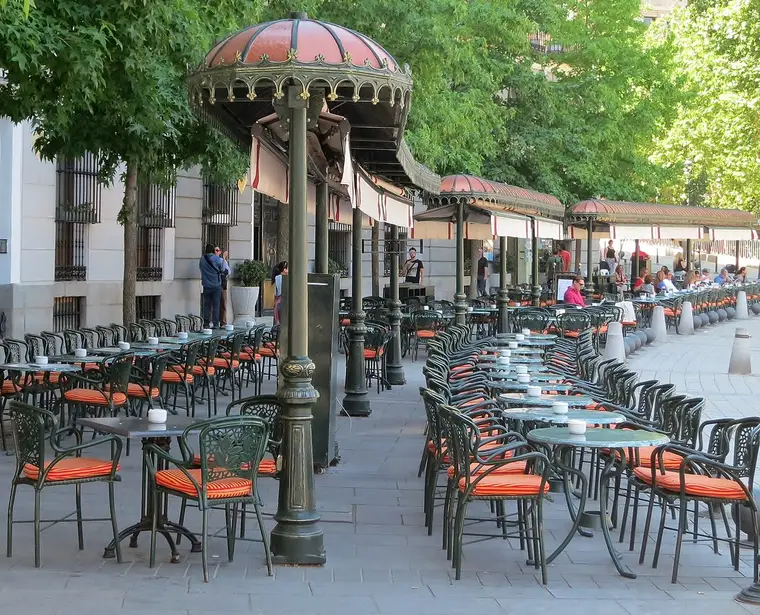
The photo of your business shouldn’t be the one somebody uploaded in 2019
Upload your own from your phone and announce what’s on inside.

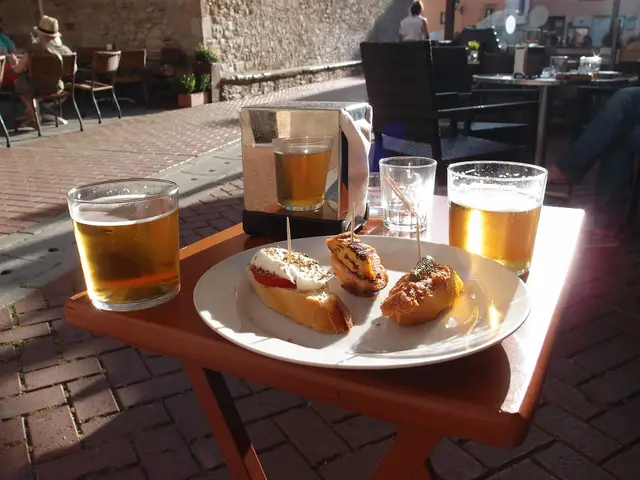
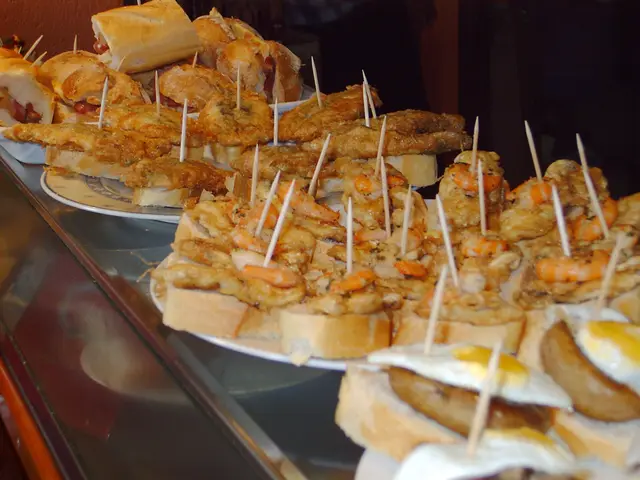


The same listing, with your photos and without
The cover photo
You choose it, and it’s the first thing anyone deciding will see.
‘Run by the venue’
Once we’ve checked it’s yours, your listing says so.
What the internet doesn’t know
Terrace, steps, menu. If it isn’t recorded, the listing can’t tell anyone.
What’s coming up
Thursday’s jazz appears below your name.
Where they’ll see you
Your cover photo, among the options
Anyone looking for a place for a drink sees your photo before your name. In the lists it’s cropped square, and on the listing it’s landscape.
Your event, when it’s time
The week of the jam, it appears in your city’s ‘This week’ with its poster, alongside what’s on elsewhere.
Your cover photo and what’s coming up
You upload up to twelve photos and the first becomes the cover, with your details and ‘Coming soon’ showing what you’ve announced. It’s the same listing in Explore and in the plans where your venue appears. A gallery to see them all will come later.
Photos that stop the scroll
Any phone will do. What changes things is the light and what you keep in the frame.
Choose what doesn’t get cropped
Tap the important part of the photo and both crops adjust to it. Try one of yours.
Nothing gets uploaded: the photo stays in your browser.
Roll up the shutter
An hour before opening there’s more light than the whole night shift. No flash.
Phone sideways
The cover photo is landscape. A vertical shot loses, top and bottom, exactly what you wanted to show.
Your thing, up close
The dish everyone orders, the climbing wall, the stage, the workbench. Get closer until it fills the shot.
Show the door
One photo of the front and first-timers won’t walk straight past.
No recognisable faces
Nobody should appear in a way that makes them recognisable. Photos must be yours or you must have permission.
Say what’s in it
Every photo comes with a short description, for people who can’t see it and listen instead.


Before uploading, your phone strips the photo’s location and camera data.
And what’s happening inside
A jam, a tasting, a fair: you write it once and it appears by itself when it should, with its poster.
What happens after you send them
- Yours · not sent
You pick them
With the camera or from your gallery, up to six at a time. For now, only you can see them.
- Yours · in review
A real person looks at them
Before they go live, and until then they don’t appear anywhere. You can follow how it’s going in ‘My contributions’.
- Published
Now they’re showing
On your listing and in Explore. We’ll let you know by email.
- Rejected: Advertising or contact details
Or we tell you why not
With the reason, by email and in ‘My contributions’.
Want to take down one that’s already published? Write to us.
Your photos, with everything clear
Yours or with permission
You declare it when you upload them: ‘It’s mine’ or ‘I have permission’.
Published on Wambree
That’s what you accept when you send them, and they appear on your listing and in Explore.
If you change your mind
Write to us and we’ll take down whichever you like.
Your best photo is already on your phone
Upload it today so Friday’s group can see what it’s really like.